Video Library
Welcome to the Motive Docs video library, where you can find different videos on how to understand and use Motive Commerce Search and its features.
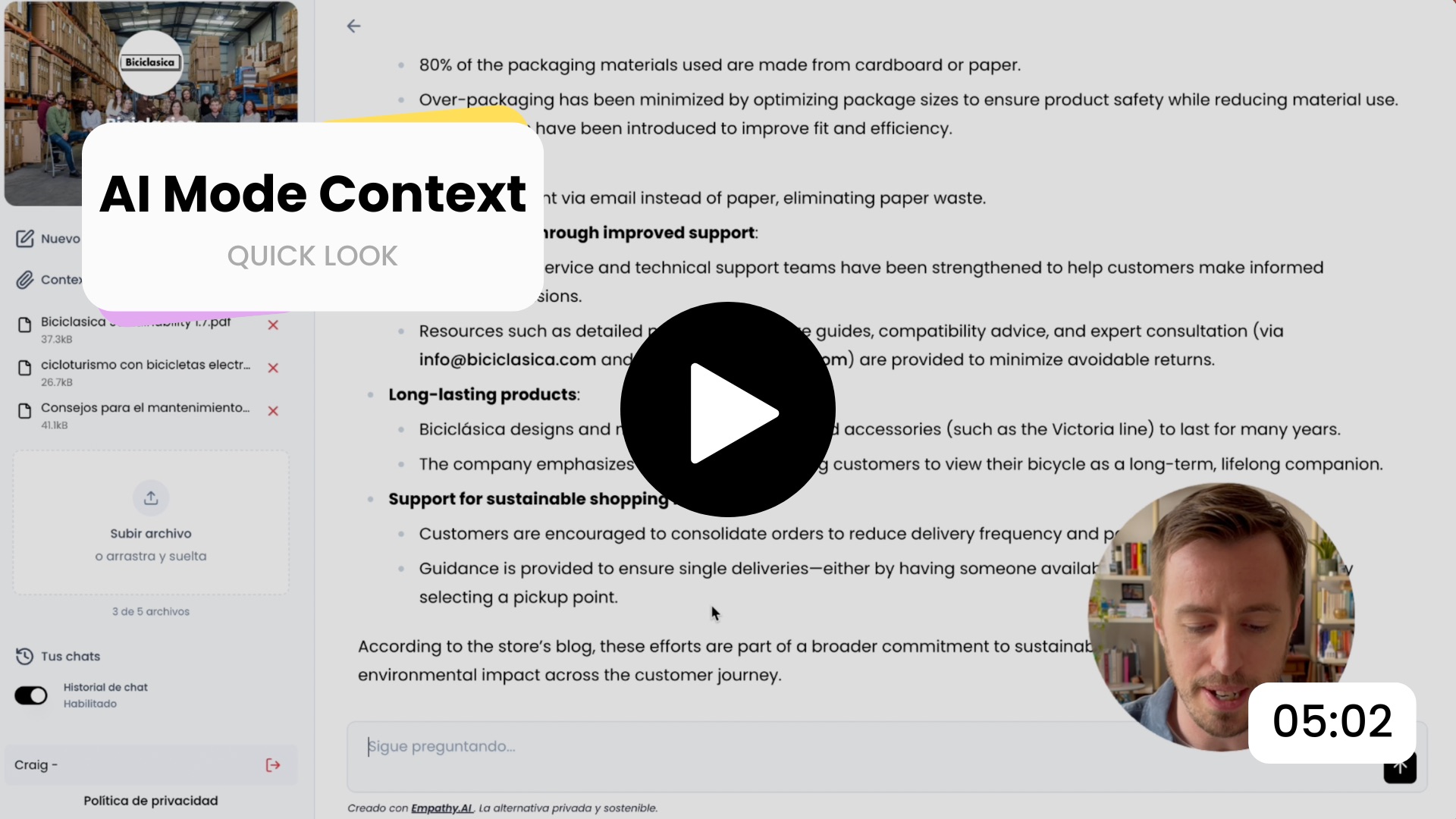
(EN) Upload documents to AI Mode
Learn how to upload documents to provide an extra layer of context to searches made in Motive's AI Mode that are not directly related to product information, such as delivery and return policies, billing and payment information, blog posts, etc.
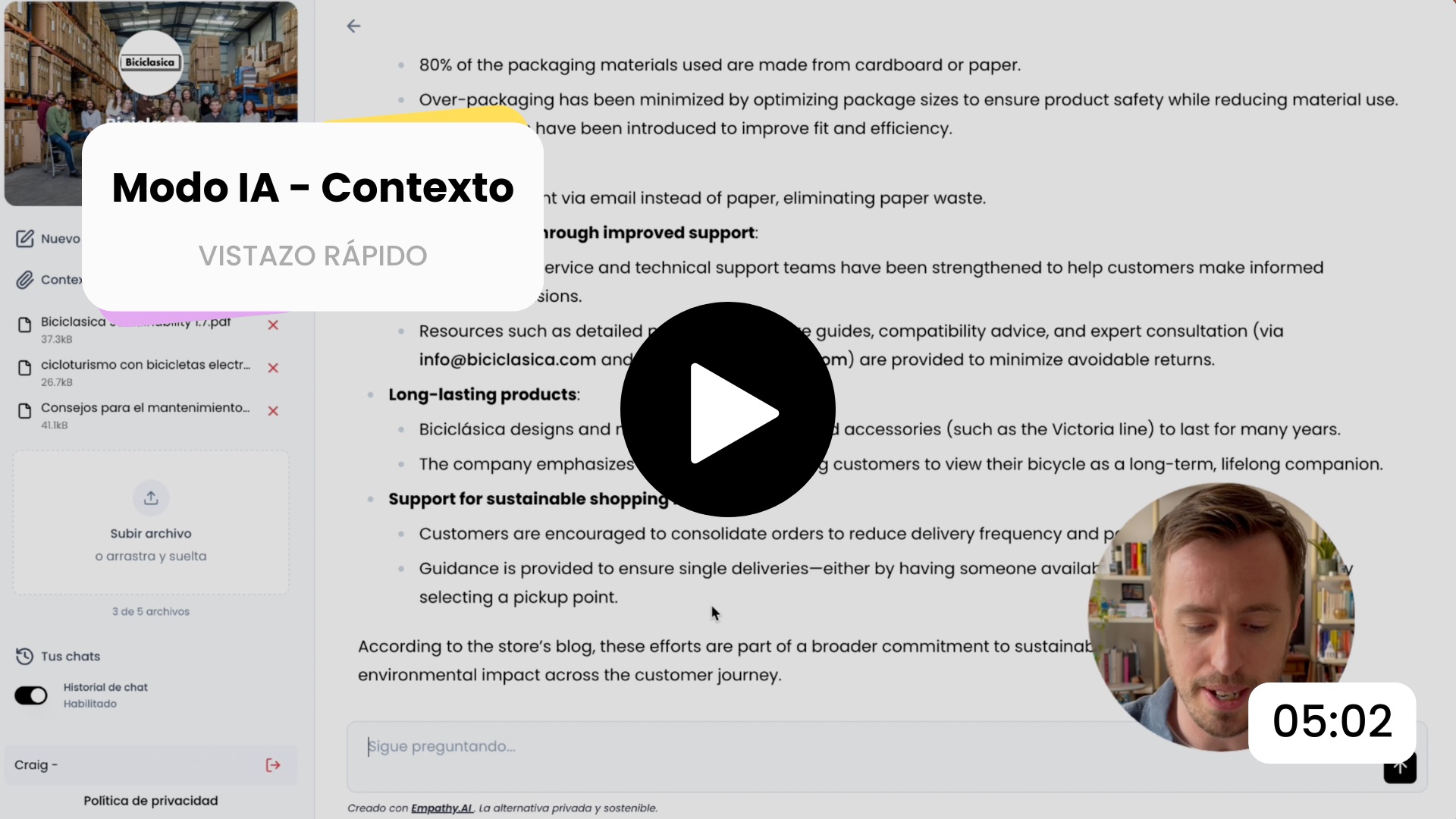
(ES) Upload documents to AI Mode
Aprende a subir documentos para aportar más contexto a las búsquedas realizadas en el Modo IA de Motive que no estén directamente relacionadas con información de productos, como políticas de envío y devoluciones, información de facturación y pagos, o publicaciones del blog. Vídeo doblado con IA a partir del original en inglés.
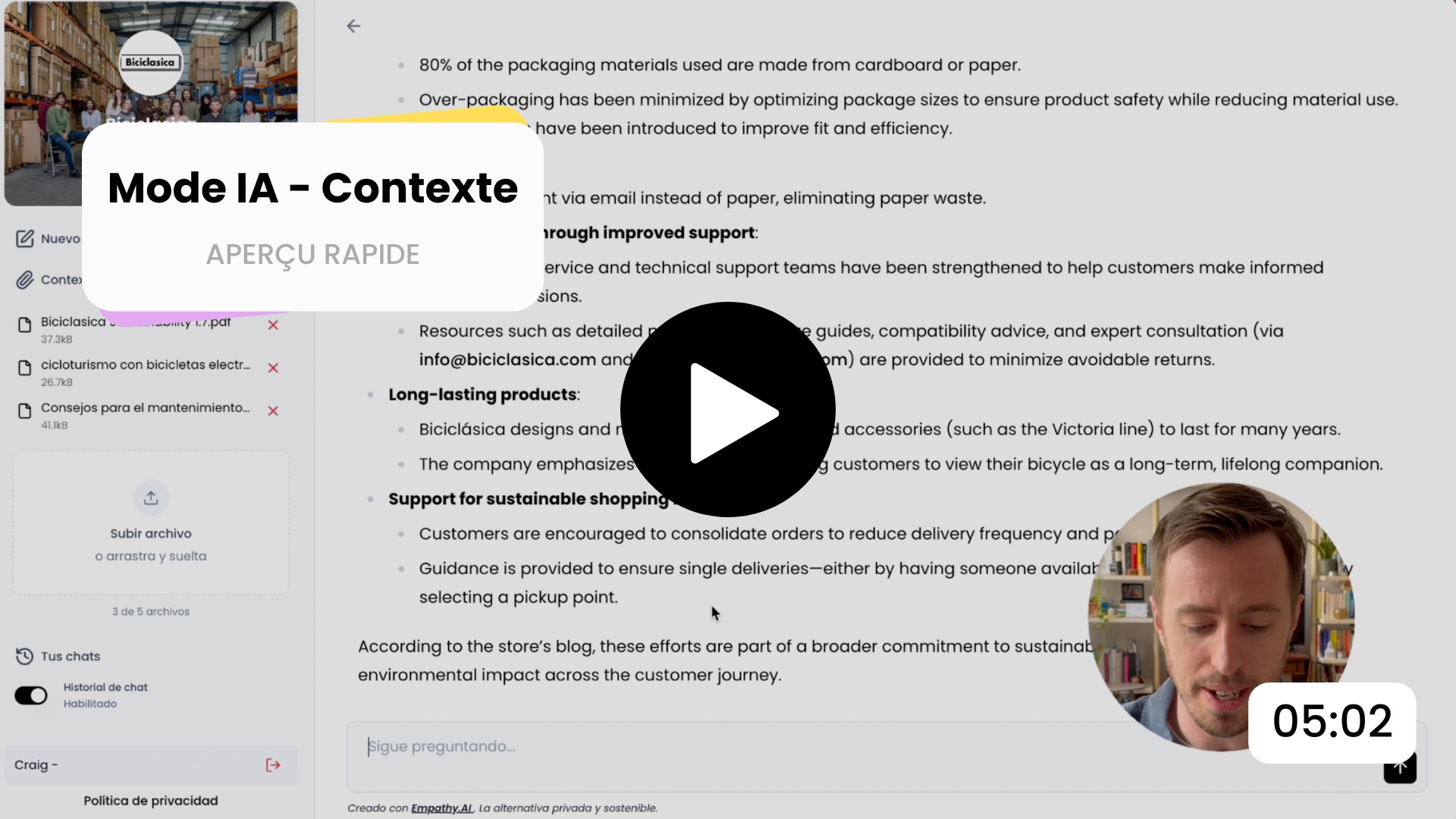
(FR) Upload documents to AI Mode
Découvrez comment importer des documents afin d’ajouter des informations de contexte aux recherches effectuées dans le Mode IA de Motive, soit des informations qui ne sont pas directement liées aux produits, comme par exemple, les politiques de livraison, de retour, ou les informations de facturation et de paiement ou encore, des articles de blog. Vidéo doublée avec l'IA à partir de l'original en anglais.
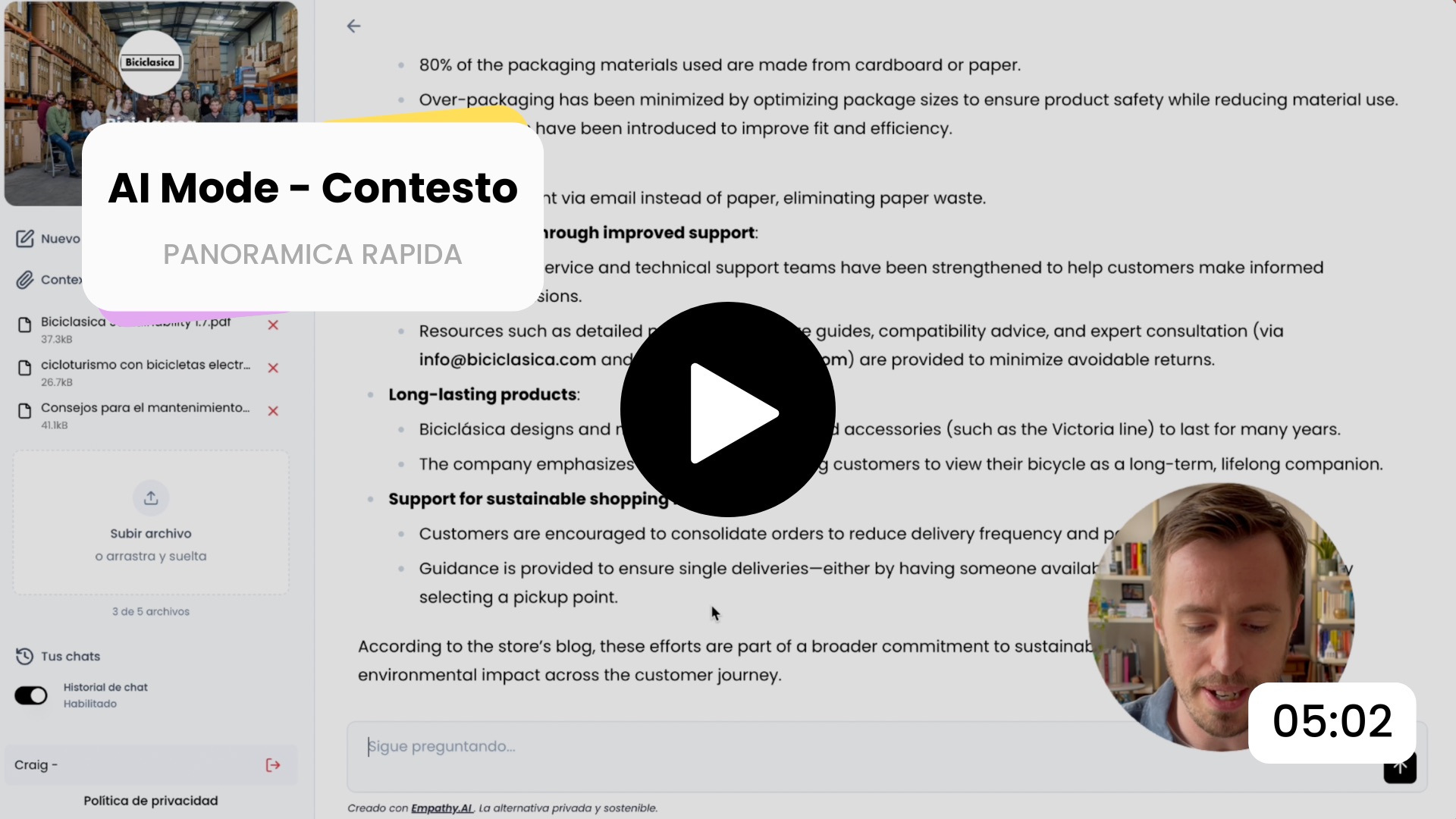
(IT) Upload documents to AI Mode
Scopri come caricare documenti per aggiungere maggiore contesto alle ricerche effettuate nell’AI Mode di Motive che non sono direttamente correlate alle informazioni sui prodotti, come le politiche di spedizione e di reso, le informazioni sulla fatturazione e sui pagamenti o gli articoli del blog. Video doppiato con l'IA a partire dall'originale in inglese.
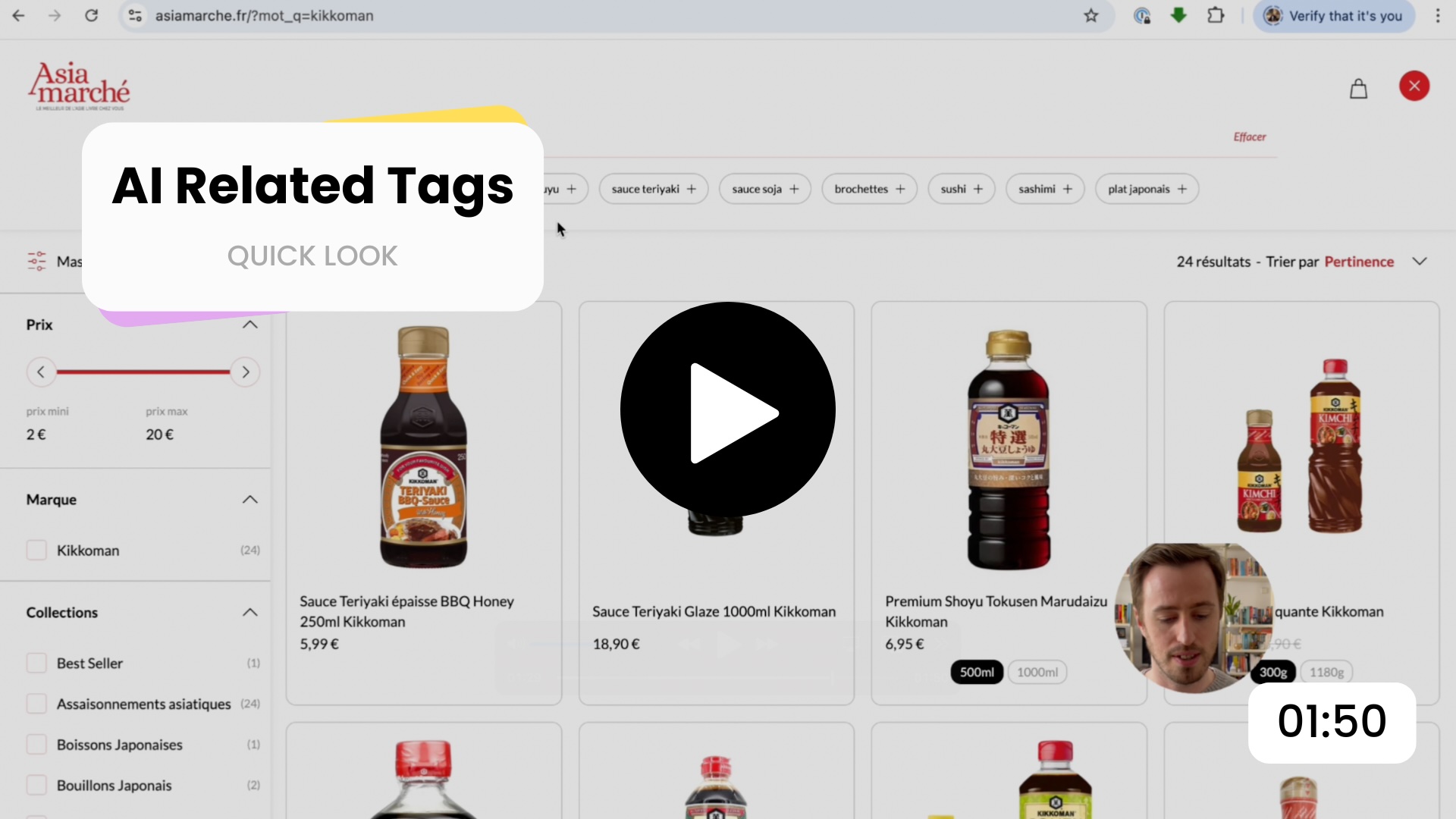
(EN) AI Related Tags in action
See how AI Related Tags appear after a search, how they update as a shopper refines their selection, and how they guide the shopper towards a specific product without any additional typing.
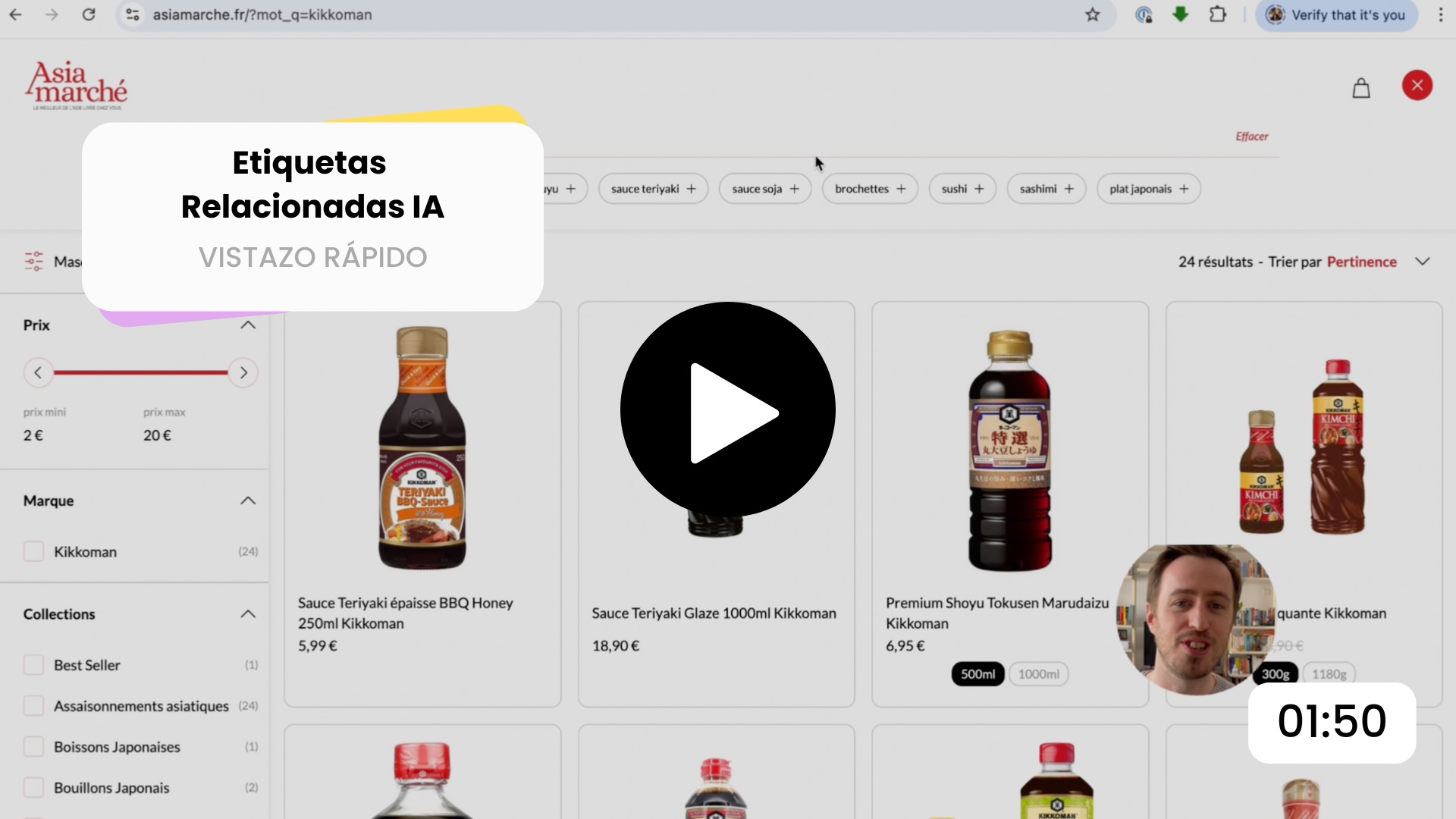
(ES) AI Related Tags in action
Descubre cómo aparecen las etiquetas relacionadas IA tras una búsqueda, cómo se actualizan a medida que los compradores refinan su selección y cómo les ayudan a encontrar un producto específico sin necesidad de escribir nada más. Vídeo doblado con IA a partir del original en inglés.
Load more